
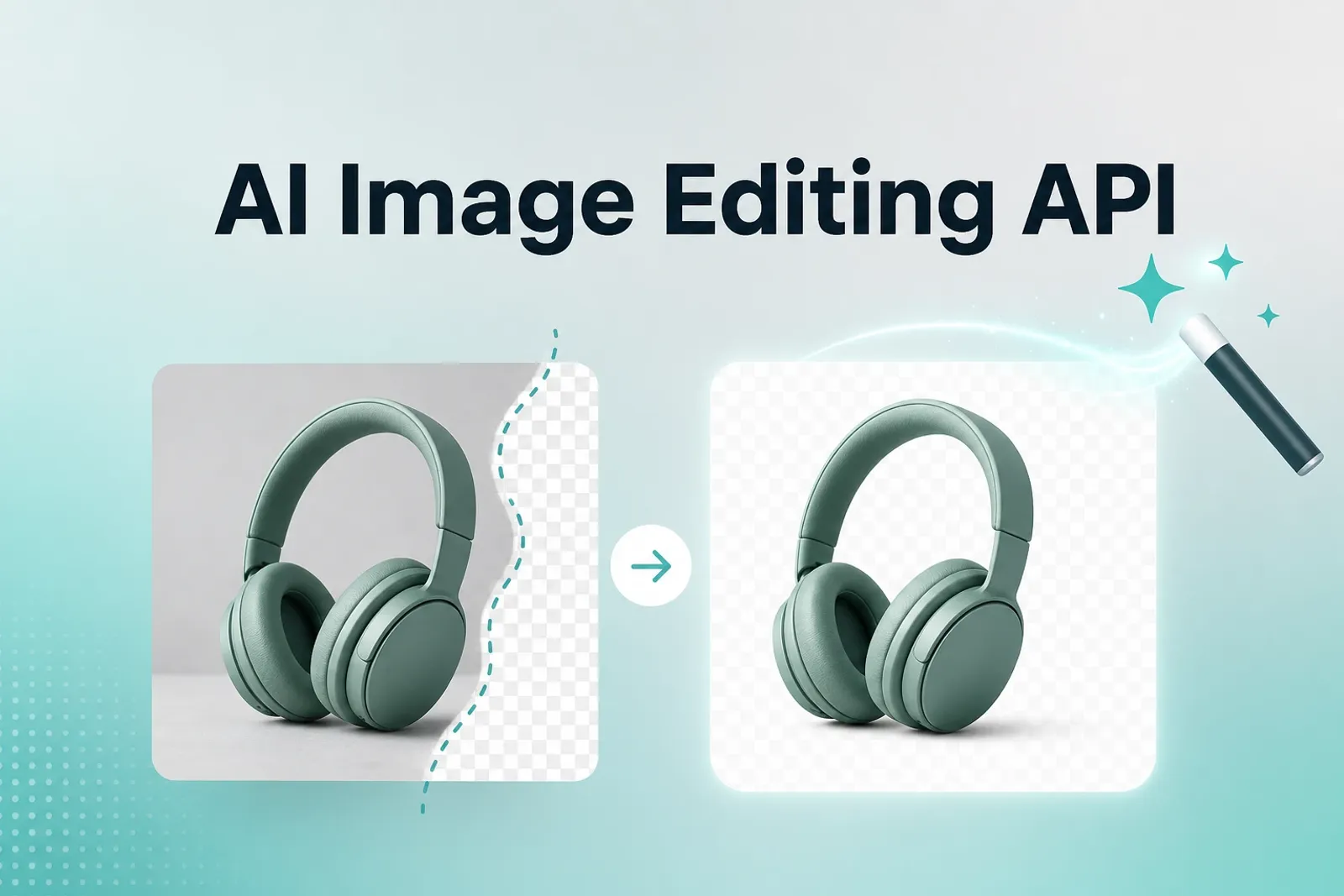
Building image editing into an app — background removal, upscaling, retouching, generative edits — used to mean running your own GPU infrastructure and maintaining a model pipeline. An image editing API removes that overhead: you send a request, you get back a processed image. This guide covers what these APIs actually do, the main types available, 2026 pricing, and how to choose the right one for your use case.
What an Image Editing API Does
Image editing APIs handle image transformations programmatically, over HTTP, without you needing to run any of the underlying models yourself. Common capabilities include:
- Background removal and replacement — isolating a subject and swapping or removing the background.
- Upscaling and enhancement — increasing resolution, sharpening detail, fixing blur, and correcting lighting or noise.
- Generative editing — text-guided edits like changing an object, style transfer, or generating new backgrounds from a prompt.
- Format and delivery transforms — resizing, cropping, aspect-ratio scaling, and format conversion, often via simple URL parameters.
- Workflow-specific operations — marketplace compliance checks, product-image standardization, shadow generation, and catalog-scale batch processing for ecommerce.
The category has split into two broad approaches: task-specific APIs that do one thing extremely well (e.g., background removal), and platform APIs that chain multiple operations or expose a wider model catalog for more flexible editing.
Why Use an API Instead of Running Your Own Models

Running image editing yourself means provisioning a GPU with real VRAM, hosting model weights, maintaining an inference server, and keeping it stable around the clock. An API replaces all of that: you send a request over HTTPS and get an image URL back, which means a feature that would otherwise take a quarter to build can often ship within a week or two.
Popular Options and What They’re Best For
- Photoroom — strong for ecommerce, with workflow-oriented features like automatic aspect-ratio scaling, marketplace compliance checks, and DAM/PIM/CMS integrations; processes at low median latency and supports output up to 4K.
- Remove.bg — specializes exclusively in background removal and replacement; a good fit when you need one reliable task at scale rather than a full editing platform, with a single simple endpoint.
- Cloudinary — best known for CDN-native, URL-based image transforms bundled with media management and delivery.
- Imgix — built for fast, real-time image processing via query parameters, useful when transforms need to happen on the fly at request time.
- Clipdrop (Stability AI) — covers AI-driven cleanup, relighting, and upscaling endpoints.
- fal.ai — an inference platform hosting open-source and commercial editing models (including FLUX and Nano Banana variants) behind API endpoints, useful for semantic editing, style transfer, and text-guided manipulation with autoscaling GPU infrastructure.
- Claid and Bria — positioned for ecommerce visual workflows at scale, with emphasis on preserving product accuracy (labels, packaging, textures) across large catalogs rather than just running isolated edits.
What It Costs in 2026
Pricing models vary significantly by provider and by whether you’re doing targeted edits or full generative image creation:
- Credit-based pricing — many platforms (Photoroom, PicWish-style enhancers) charge per successful processed image via a credit system; failed calls typically don’t consume credits, which makes cost planning fairly predictable once you know your monthly volume.
- Per-image / per-operation pricing — generative and enhancement APIs often price per call, commonly ranging from roughly $0.002–$0.05 per image for lower-cost or budget-tier models, up to $0.05–$0.24+ per image for higher-quality or higher-resolution generative editing models.
- Free tiers and trial credits — most providers offer some free usage to test integration before committing — for example, sandbox credits for a few hundred to a thousand test images.
- Volume discounts — per-image pricing typically drops at scale, so cost-per-image at low volume isn’t representative of production costs at higher throughput.
- Enterprise/custom pricing — for high-volume or specialized workflows (large ecommerce catalogs, guaranteed throughput), pricing is often negotiated based on volume and specific usage patterns rather than published rate cards.
Note that generative or reasoning-based models tend to cost more per image than simpler diffusion-based or single-purpose operations (like background removal), and higher output resolution generally increases the price per call.
How to Choose the Right API
- Start from your workflow, not a feature list. Identify the specific operations you actually need (background removal vs. generative editing vs. upscaling) before comparing providers — a platform with dozens of features is a worse fit than a focused API if you only need one operation done reliably.
- Check output quality at your actual resolution needs. Some APIs cap resolution or optimize for quick, lower-fidelity B2C use cases rather than print-level fidelity — verify this matters (or doesn’t) for your use case.
- Evaluate latency for real-time use cases. If editing happens in a live user-facing flow (e.g., a product upload tool), median response time matters far more than it does for batch/offline processing.
- Test with free credits before committing. Nearly every major provider offers a sandbox or trial tier — use it to validate output quality and integration effort before signing a paid plan.
- Match cost structure to your volume pattern. Predictable, high-volume workloads benefit from providers with clear per-image or credit pricing and volume discounts; irregular or exploratory use cases may be better served by pay-as-you-go generative APIs with no minimum commitment.
- For ecommerce specifically, prioritize APIs that explicitly address product accuracy (preserving labels, textures, packaging details) and catalog-scale batch workflows, since general-purpose editing APIs aren’t always tuned for that.
Conclusion
Image editing APIs have matured into a genuinely practical way to add sophisticated image capabilities to an application without owning any model infrastructure. The right choice depends less on which API has the longest feature list and more on matching a provider’s strengths — single-purpose reliability, ecommerce workflow depth, generative flexibility, or real-time delivery — to what your product actually needs to do with images.