
PDF Editors One of the most used formats for work, education, business, and personal endeavors is PDF. They usually maintain the same formatting across many platforms and are easy to deploy. Sometimes editing a PDF can be difficult, especially if you need to add images, change text, fill out a form, or sign a document.
Fortunately, there are a lot of free PDF editors available in 2026 that greatly simplify basic PDF editing. While some tools are desktop or mobile programs, others run straight within a web browser. The best choice depends on your editing needs and whether you want sophisticated features or just a quick way to make small changes.
What Is a PDF Editor?
A PDF editor is an application or web-based tool that enables you to alter PDF files. Based on the application, you might have the option to modify current text, insert new text, add images, emphasize key information, annotate pages, include signatures, reorder pages, or complete forms.
Standard PDF editors are usually sufficient for common tasks. For instance, if you obtain a PDF application form, you might just need to input your details into the document and include your signature. Some users might require more sophisticated functionalities like transforming PDFs into Word files or modifying scanned documents with OCR technology.
What Qualities Should a Free PDF Editor Have?
Before selecting a PDF editor, it’s crucial to identify the features that you truly require. A no-cost tool might provide great fundamental editing while restricting advanced capabilities to a premium subscription.
Editing text is among the most essential features. An effective PDF editor must enable you to insert or change text while keeping the document easy to read. Certain editors permit adjustments to fonts, font sizes, alignment, and text color.
An additional helpful aspect is picture modification. Numerous PDF files include logos, images, charts, or screen captures. An efficient editor should make it easier to add, resize, move, or remove photos.
PDF annotation holds significant value for both students and professionals. Using a pen tool, drawing shapes, adding comments, underlining, and highlighting can significantly simplify the process of reviewing documents.
If you frequently handle contracts or official papers, seek a PDF editor that allows electronic signatures. Form-filling features are beneficial for handling applications, invoices, surveys, and business paperwork.
Best Free PDF Editors in 2026
1. Adobe Acrobat Online

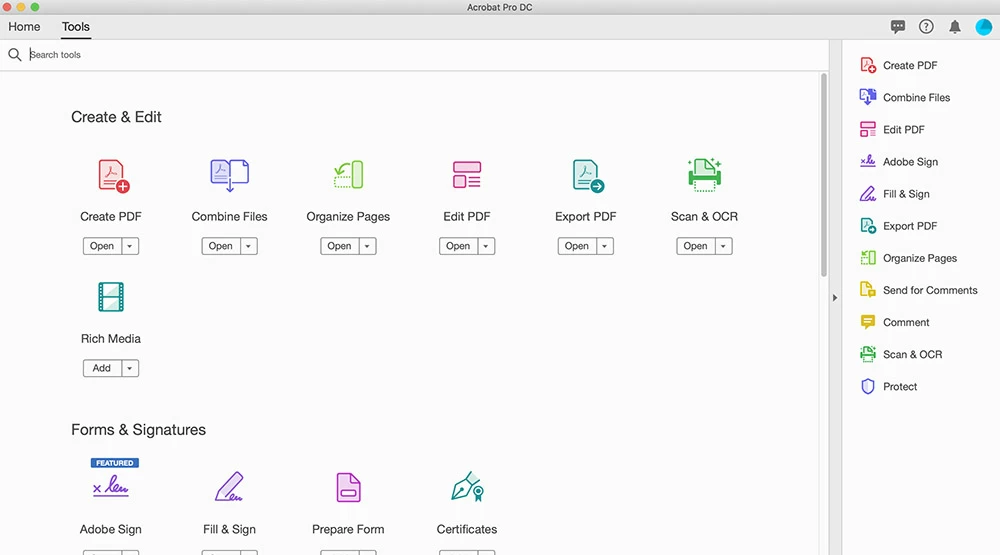
Adobe Acrobat is among the most recognized PDF solutions. Its web-based tools offer a variety of helpful functionalities for individuals who require handling PDF files without the need to install complex applications.
The no-cost online tools are helpful for activities like viewing, sharing, commenting, completing forms, and executing specific PDF conversions. Many users are also accustomed to Adobe’s interface as Acrobat has been a prominent PDF tool for a long time.
For users who sometimes need to handle PDFs and have an Adobe account, the online version can be a handy choice. Nonetheless, certain advanced editing functionalities necessitate a subscription plan.
2. PDFgear

PDFgear is a popular option for users looking for a free PDF editing solution. It provides tools for editing, annotating, converting, organizing, and managing PDF files.
One of its advantages is that it is designed to provide many features without requiring users to immediately purchase a subscription. It can therefore be useful for students, home users, and people who only occasionally edit PDF documents.
PDFgear is particularly interesting for users who want more functionality than a simple browser-based PDF viewer.
3. Sejda PDF Editor

Sejda is an online PDF service that provides a variety of tools for working with PDF files. Users can edit documents, add text, fill forms, sign PDFs, and perform other common PDF tasks.
The browser-based approach makes Sejda convenient because there is no need to install desktop software for simple jobs. You can open the service, upload a document, make your changes, and download the result.
The main limitation is that free usage can have restrictions, particularly when working with larger documents or performing many operations in a short period.
4. Smallpdf
Smallpdf is another widely used online PDF platform. It offers a collection of tools for compressing, converting, merging, splitting, and editing PDF documents.
Its simple interface makes it suitable for beginners who do not want to learn complicated PDF software. Smallpdf can be especially useful when you need to perform a quick PDF task from a computer without installing an application.
However, users should check the current free-use limits because some features may require a subscription.
5. PDF-XChange Editor
PDF-XChange Editor is a desktop PDF application that provides a wide range of tools for working with documents.Users who prefer desktop applications over browser-based solutions will find it very helpful.
The application includes tools for viewing, annotating, commenting, and modifying PDF files. It also offers features that can be useful for professionals who regularly review technical or business documents.
Some advanced features are restricted in the free version, but the available tools can still make it a strong option for everyday PDF work.
6. LibreOffice Draw

LibreOffice is not specifically designed as a traditional PDF editor, but it can be useful for editing certain PDF files. LibreOffice is a free and open-source office suite so. we can making it an attractive choice for users who want free desktop software.
You can open compatible PDF documents in Draw and make certain changes to their contents. This can be useful when you need to make occasional modifications and do not want to subscribe to commercial PDF software.
The results can vary depending on how the original PDF was created. Complex documents may not maintain their original layout perfectly after editing.
Best Free PDF Editor for Students
Students often need PDF editors for assignments, research papers, application forms, lecture notes, and study materials. For these tasks, a simple editor with annotation and text tools can be more useful than an expensive professional application.
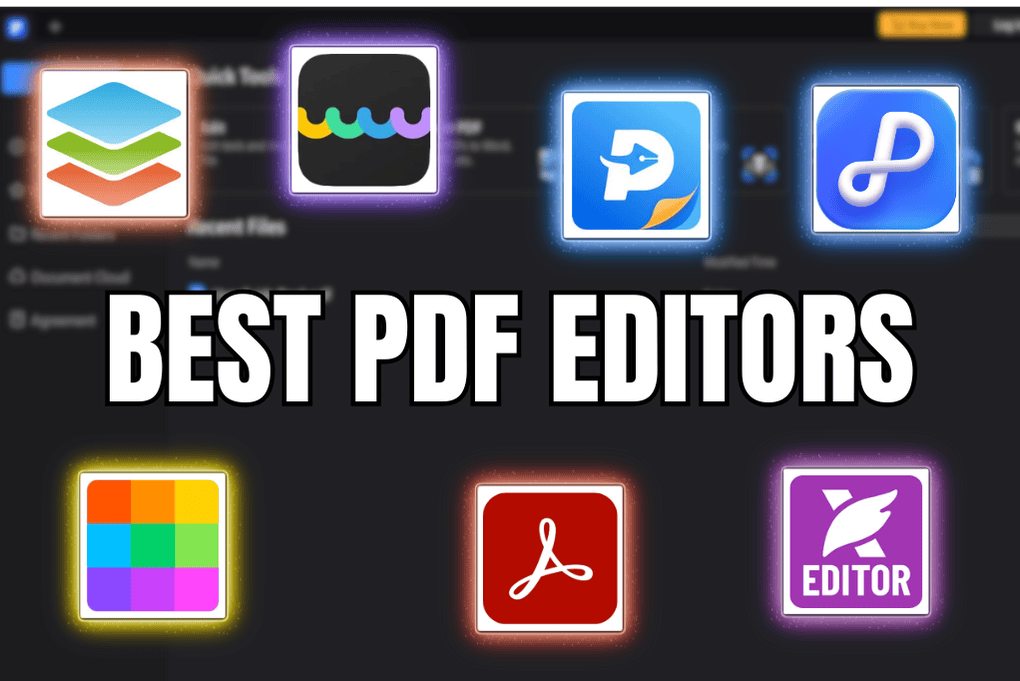
A good student-friendly PDF editor should allow you to highlight text, add comments, write notes, fill forms, and combine or organize documents. Free tools such as PDFgear, Sejda, and LibreOffice Draw can be worth considering depending on the type of work you need to perform.
Students should also pay attention to privacy when uploading academic documents to online PDF services. If a document contains personal information, using a trusted desktop application may be preferable.
Best Free PDF Editor for Windows
Windows users have many choices because both browser-based and desktop PDF editors are available. PDF-XChange Editor is a strong option for users who prefer a dedicated desktop application, while browser-based services can be more convenient for occasional tasks.
If you frequently edit PDFs, a desktop application can be more practical because you do not have to upload your documents every time. If you only edit a PDF occasionally, an online editor may be faster.
Best Free PDF Editor for Mac
Mac users can use a combination of built-in and third-party tools depending on the task. Apple’s Preview application is useful for viewing PDFs, adding annotations, signing documents, and performing several basic tasks.
For more extensive editing, dedicated PDF applications or online PDF editors may provide additional functionality. The best choice depends on whether you need simple annotations or want to modify existing PDF text and layouts.
Can You Edit a PDF for Free?
Yes, you can edit many PDF documents for free. The exact features available depend on the software you choose. Basic tasks such as adding text, highlighting information, filling forms, adding comments, and signing documents are commonly available in free PDF tools.
More advanced functions can be restricted. For example, some services may limit OCR, batch processing, advanced conversion, or the number of documents you can process each day.
Before choosing a tool, identify the exact task you need to perform. You may not need a premium PDF editor if you only need to fill out a form or add a signature.
How to Edit a PDF for Free
The easiest method is usually to choose an online PDF editor and upload your document. After opening the file, select the appropriate editing tool and make your changes.
For example, if you need to add information to a document, select the text tool and click where you want the new text to appear. If you need to highlight something, select the annotation or highlight tool.
After completing your edits, review every page carefully. Check that text has not moved, images are correctly positioned, and signatures or other important elements are visible. Finally, save or download the edited document.
Are Free Online PDF Editors Safe?
Online PDF editors can be convenient, but privacy should always be considered. When you upload a document to an online service, the file may be processed on the company’s servers.
Avoid uploading sensitive documents to an unknown service. This is especially important for documents containing passwords, financial information, identity documents, confidential business information, or private contracts.
Before using an online PDF editor, review its privacy policy and security information. For highly confidential files, consider using reputable desktop software that allows you to edit documents locally.
Free PDF Editors vs Paid PDF Editors
Free PDF editors are usually sufficient for occasional users. They can handle common tasks such as adding text, highlighting, signing, filling forms, and organizing pages.
Paid PDF editors are generally more suitable for professionals who work with PDF documents every day. Premium applications may offer advanced OCR, batch processing, document comparison, advanced editing, automation, and stronger business features.
The best option is therefore not necessarily the tool with the largest feature list. It is the tool that provides the features you actually need at a reasonable cost.
Frequently Asked Questions
What is the best free PDF editor in 2026?
There is no single best option for everyone. PDFgear, Sejda, Smallpdf, PDF-XChange Editor, Adobe Acrobat’s online tools, and LibreOffice Draw can all be useful depending on the task, operating system, and required features.
Can I edit PDF text without paying?
Yes. Some free PDF editors allow users to modify or add text without paying, although advanced editing capabilities may be limited.
Can I edit a scanned PDF for free?
Editing scanned PDFs is more difficult because the document is usually an image rather than editable text. OCR technology can recognize the text and convert it into editable content. Some free tools provide limited OCR functionality, while advanced OCR may require a paid plan.
Can I sign a PDF for free?
Yes. Many PDF applications and online services provide free tools for adding electronic signatures. However, requirements can vary depending on the type of signature and the legal or business context.
Is an online PDF editor better than desktop software?
It depends on your needs. Online editors are convenient and work from almost any modern browser, while desktop software can be better for privacy, offline work, and frequent PDF editing.
Final Verdict
Free PDF editors have become much more capable, making it possible to handle many everyday PDF tasks without purchasing expensive software. Whether you are a student filling out an application, a professional reviewing a contract, or a home user adding a signature, there are several free options worth considering in 2026.
For quick online tasks, browser-based PDF tools can be convenient. For regular editing and greater control, desktop applications may be a better choice. Before selecting an editor, compare its editing features, free-use limitations, privacy practices, supported platforms, and document-processing capabilities.
The best free PDF editor is ultimately the one that solves your specific problem without adding unnecessary complexity or cost.